

Home Office Ergonomics: How to Set Up a Workspace That Protects Your Health
Home office ergonomic equipment is no longer a nice-to-have: for many UK employers, providing it is a legal obligation. Whether your team works from home full-time, follows a hybrid pattern or works remotely on an occasional basis, the duty of care your organisation holds does not stop at the office door.
This guide covers what the law requires, what poor ergonomics is actually costing your business and how to get the setup right, from desk height to display positioning.
What the Law Says About Home Office Ergonomic Equipment
Under the Health and Safety (Display Screen Equipment) Regulations 1992, employers are required to assess the workstations of all employees who regularly use display screen equipment, including those working from home. This means your legal responsibility extends to the kitchen table just as much as it does to the open-plan office.
The obligation is clear: if an employee uses a computer as a significant part of their working day, you must carry out a DSE assessment, address identified risks and, where necessary, provide suitable equipment to ensure a safe working posture. Failing to act leaves businesses exposed to enforcement action, increased sickness absence and, in serious cases, personal injury claims.
The Society of Occupational Medicine notes that musculoskeletal disorders are among the leading causes of workplace-related ill health in the UK. The evidence is not ambiguous: poor workstation setup directly causes preventable harm.
Does the Employer or Employee Pay for Home Office Equipment?
This is one of the most commonly asked questions we hear from managers and HR leads. The answer is that the employer bears primary responsibility for ensuring a safe working environment which typically means they have to fund the equipment. Employees do hold a responsibility to follow guidance and use equipment correctly, however the financial and organisational duty sits with the employer.
The Real Cost of Getting Ergonomics Wrong
Lost productivity from poor ergonomics is not a marginal issue. The government's Keep Britain Working review highlights that musculoskeletal conditions are a primary driver of economic inactivity and long-term sickness absence across the UK workforce. Back pain alone accounts for millions of lost working days each year.
For a small business or school, even two or three employees experiencing recurring discomfort, reduced concentration or prolonged sick leave represents a significant operational and financial strain. The irony is that the cost of a well-specified ergonomic workstation is almost always lower than the cost of a single month of lost productivity.
As a result, investing in the right ergonomic equipment for your team is not a wellbeing gesture but sound commercial thinking.
How to Get the Right Fit: Desks, Chairs and Displays
Setting up a home office correctly requires more than buying a reasonable chair and hoping for the best. Each element of the workstation needs to align with the individual's body measurements and working habits.
Chair and Desk Height
The starting point is always the chair. When seated, the user's feet should rest flat on the floor, with knees at roughly a 90-degree angle and thighs parallel to the ground. The desk surface should sit at approximately elbow height when the arms hang naturally from the shoulder. Where desk height cannot be adjusted, a footrest resolves the difference.
Monitor and Display Positioning
The top of the monitor screen should align with or sit just below eye level, at roughly an arm's length from the face. This prevents the neck from tilting forward or upward, which is one of the primary causes of upper back and cervical strain during extended screen use. For laptop users, a separate monitor or laptop riser is essential (using a laptop flat on a desk is a posture risk in itself).
Keyboard and Mouse Placement
The keyboard and mouse should sit close to the body, with wrists in a neutral, flat position. Reaching forward for either device introduces tension across the shoulders and forearms. A wrist rest can support this, though it should support the palm during pauses rather than the wrist during active typing.
The 5 Most Popular Pieces of Home Office Ergonomic Equipment
These are the five items that consistently make the greatest difference to home workers, and the five that employers most frequently provide following an assessment.
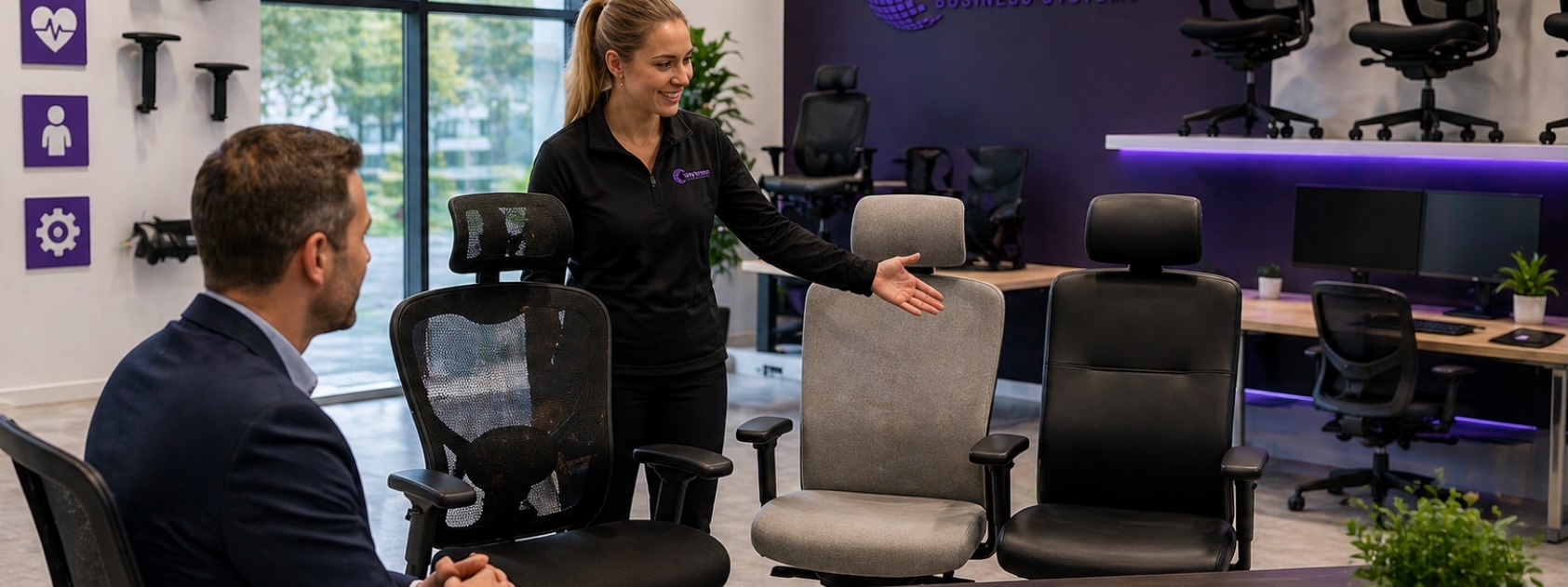
Ergonomic office chair. The foundation of any good workstation setup. Look for lumbar support, adjustable seat height, armrests and seat depth. A chair that fits the individual properly reduces lower back strain significantly.
Adjustable monitor arm. A monitor arm allows the screen to be positioned precisely at the correct height and distance, regardless of desk surface or monitor size. It also frees up valuable desk space.
Laptop stand or riser. Elevating a laptop screen to eye level immediately improves neck posture. Used in combination with a separate keyboard and mouse, it transforms a laptop into a properly configured workstation.
Ergonomic keyboard and mouse. Split keyboards and vertical mice reduce ulnar deviation and forearm pronation which are the two main contributors to repetitive strain injuries in computer users.
Height-adjustable desk (sit-stand desk). Alternating between sitting and standing during the working day reduces sedentary time, eases lumbar load and is associated with improved energy and focus across the working day.
Our full range of specialist ergonomic products covers all five categories, with options suited to a range of budgets and working environments, from home offices to school staff rooms and SME teams.
Wyvern's Free Ergonomics Checklist
To help employers and employees complete a basic DSE self-assessment, we have produced a free ergonomics checklist you can download and share across your team. It covers workstation setup, equipment positioning, lighting and rest break guidance, everything needed to meet your baseline duty of care.
Download the free Wyvern ergonomics checklist to get started.
Recommended by the Royal College of Occupational Therapists
Wyvern Business Systems are listed as a recommended supplier in the Royal College of Occupational Therapists (RCOT) supplier directory. This recognition reflects our commitment to providing equipment that meets clinical and professional standards and not just commercially convenient choices.
Occupational therapists frequently work with employers and employees to address complex postural and disability-related workstation requirements. Being part of the RCOT supplier network means we operate within a framework of professional accountability and clinical relevance that most general IT or office equipment suppliers simply cannot match.
Why This Matters for Your Organisation
When you source ergonomic equipment through Wyvern, you are not simply purchasing products. You are accessing a team that understands the occupational health context behind those products and can advise on what genuinely meets your legal and ethical obligations, rather than what is merely on the shelf.
Frequently Asked Questions
What home office ergonomic equipment is an employer required to provide?
Employers must ensure that DSE users have a suitable workstation that supports a safe posture. In practice, this often means providing an ergonomic chair, monitor arm, keyboard and mouse (and in some cases a height-adjustable desk). The specific requirement depends on the DSE assessment outcome.
How do I carry out a DSE assessment for home workers?
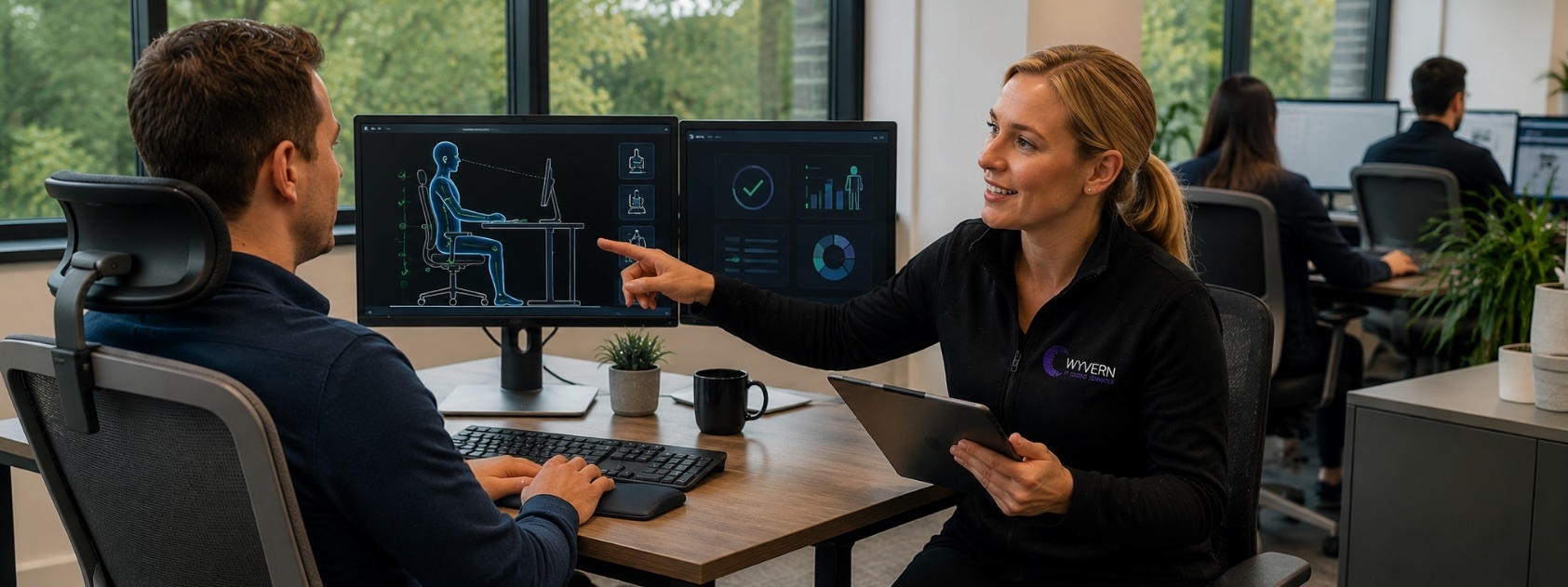
A DSE assessment for home workers can be completed using a self-assessment questionnaire, which the employee completes and submits for review. Employers are responsible for acting on the findings. Our ergonomic equipment service includes guidance on the assessment process.
Can poor ergonomics cause long-term health problems?
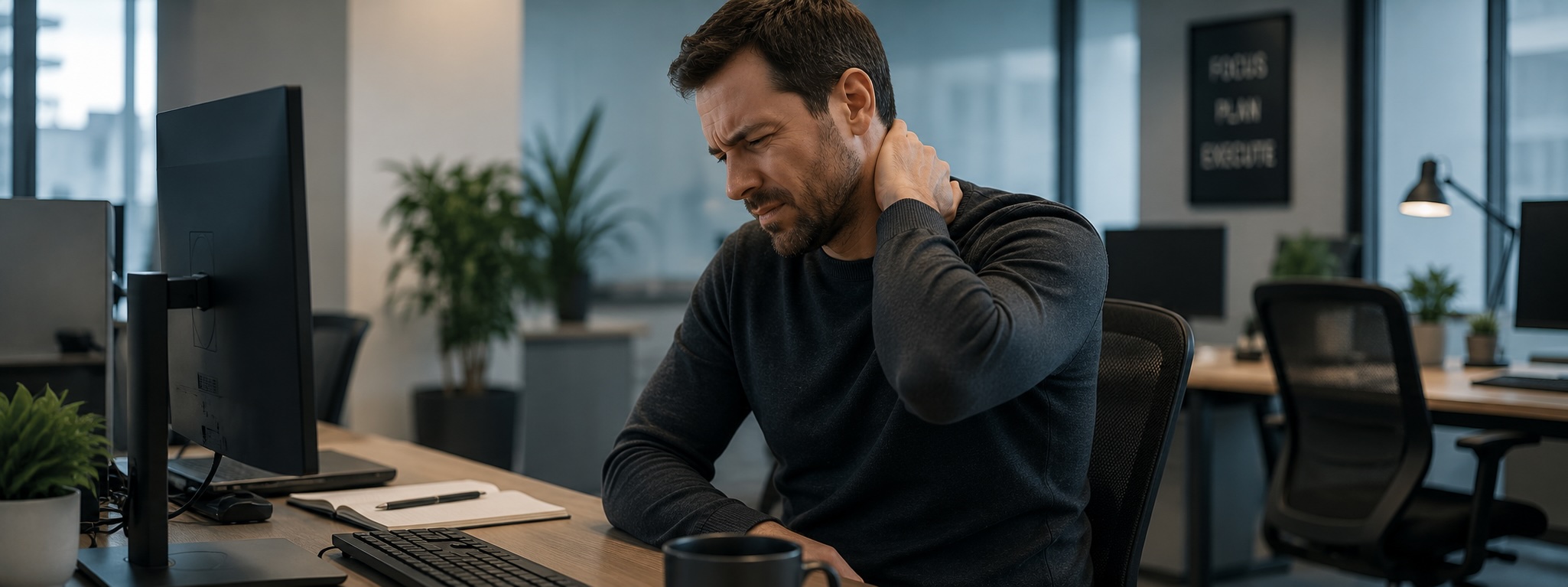
Yes. Prolonged use of a poorly set-up workstation is associated with musculoskeletal disorders including lower back pain, neck strain, repetitive strain injury and headaches. Many of these conditions become chronic without intervention.
Is ergonomic equipment tax deductible for businesses?
Generally, yes: equipment purchased by a business for employee use qualifies as a business expense. Speak to your accountant for confirmation based on your specific circumstances.
Home office ergonomic equipment sits at the intersection of legal compliance, employee wellbeing and business performance. Getting it right does not require a significant budget but it does require the right guidance and the right products. As a supplier recommended by the Royal College of Occupational Therapists, Wyvern Business Systems is well placed to help organisations of all sizes, from local SMEs to schools and multi-site operations, meet their duty of care with confidence.
Call us today for a no-obligation discussion about your workplace requirements. Our team will help you identify what your employees need, what the assessment process involves and how to source the right home office ergonomic equipment without unnecessary complexity or cost. Reach us at wbs.co.uk or call directly: there is no pressure, just practical advice from people who know this field.
Subscribe by email
You May Also Like
These Related Stories
How to Choose an Ergonomic Chair: 10 Factors Every Business Should Consider
How to Stay Health & Safety Compliant in Workplace Ergonomics
No Comments Yet
Let us know what you think